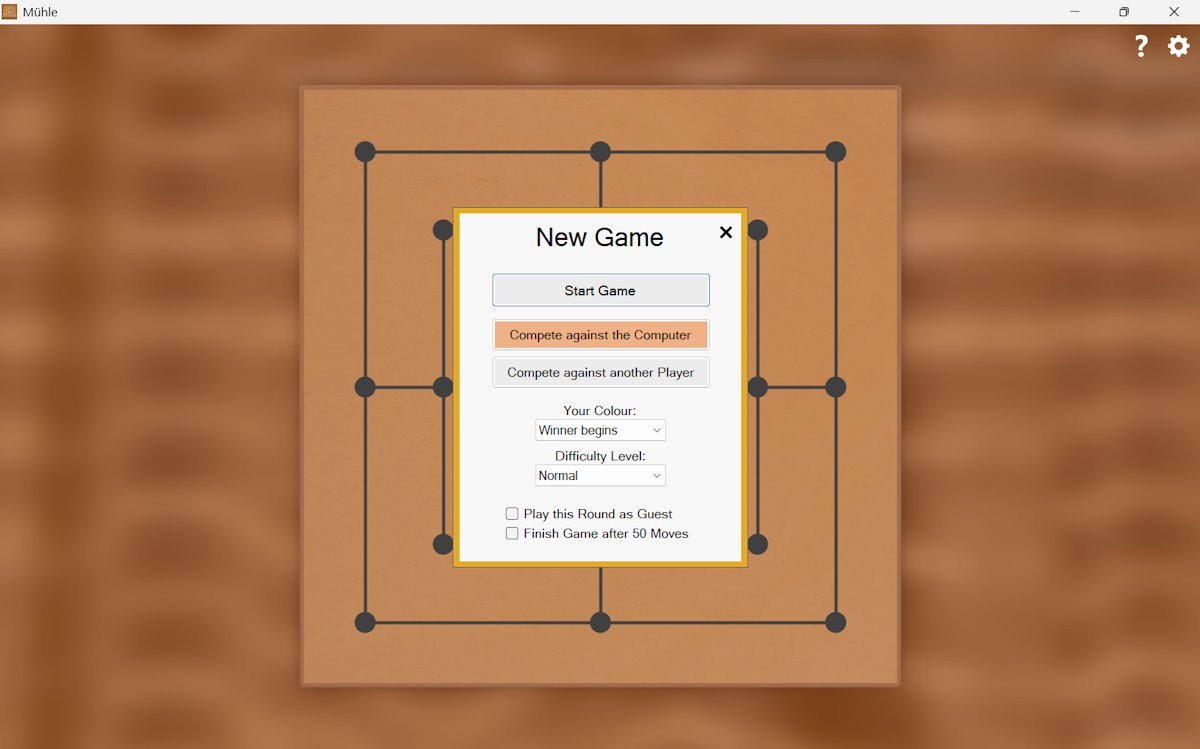

"Mühle" is the German word for "mill" and "Nine Men's Morris".
Nine Men's Morris has been known for millennia and has been played since ancient times. It became popular throughout Europe in the Middle Ages. It was often engraved in wood or stone and played in public places. Nine Men's Morris has not only survived as a game, but has also acquired cultural significance. In the Middle Ages, the game was often seen as a symbol of strategic thinking. Nine Men's Morris is a great example of how a simple but elegant game can entertain and challenge people for thousands of years.
This application brings the popular board game to your PC. Compete against your computer in the modern game environment with changeable designs. You can choose between three different levels of difficulty, in which the artificial intelligence of the computer opponent is differently pronounced. You have the opportunity to compare your own gaming performance with that of other users online. You can also play against another player who is on your PC with you.
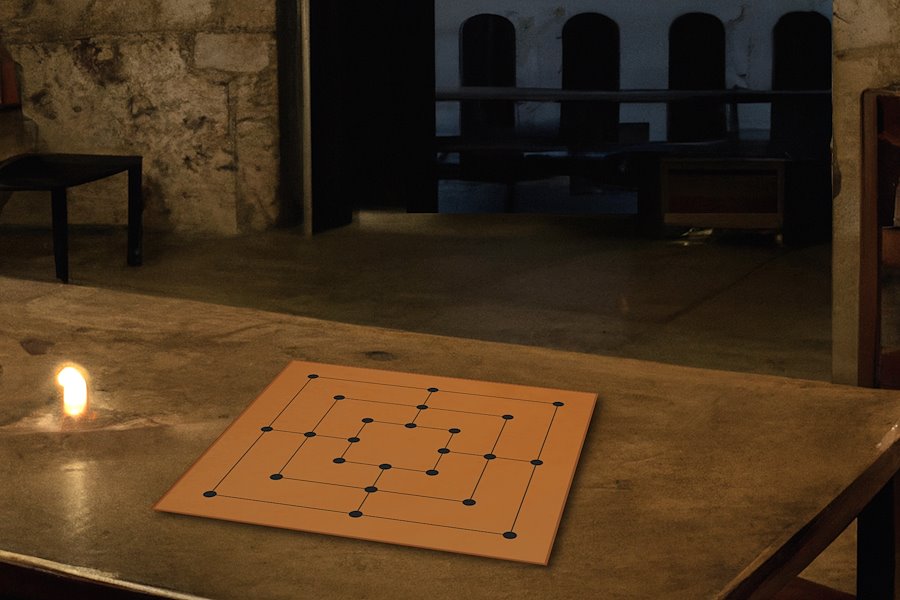
Each player has 9 pieces that must be placed on the board. The player with white pieces starts. A mill is three pieces of one color that lie on a line. If a mill is closed, any piece is taken away from the opponent. This piece must not come from a closed mill, unless the opponent has no other exposed pieces.
After both players have placed all pieces on the board, one piece may be moved to an adjacent square per turn. If there are exactly three pieces left on the board by a player, he may jump to any free square.
The game is lost by the player who has only two pieces left on the board or is unable to move.
The game can be controlled with the mouse or with touch controls. Click on any square or drag one of your pieces there. To move a piece from one square to another, first click on the piece and then on the square or drag the piece there.
Alternatively, you can use the keyboard (accessibility). Use the Tab key to jump to the next GUI element. You can use the arrow keys to move to any square on the board, and you can use the spacebar to select or place a piece. To do this, the focus must not be on the Help or Settings button. Make sure you have the latest version of Mühle installed, as this feature was added later.
Press Esc if you want to pause your game or click on the "Close" symbol. You will then be asked if you want to cancel the game.
As long as this message is displayed, the game is paused. Then choose "No" to continue with the game.
You can take a photo of the game board using the F12 key.
Your rank in the online comparison with other players is made up of various factors. This includes the number of games, the level of difficulty and the number of games won or lost.
The game offers three different levels of difficulty: easy, normal and difficult.
Here you will find tips and tricks for the game of Nine Men's Morris
Some applications, such as various audio and video players, can cause this problem if the sound is turned off in them. In this case, open the corresponding application and switch the sound on again here. If this does not help, you should check in the Windows volume control whether the sound is switched on.
Save the folder "C:\Users\[Your User Name]\Mühle\" and insert it again at the same location after the new installation.
Your PC must meet the following minimum requirements to run "Mühle":
Microsoft Windows 11 or 10
4 GB RAM
Mouse or other pointing device required
Sound card recommended
If you no longer want to use this game, you can easily remove it using the Control Panel. Select the item "Software" or "Remove programs" there. Then select it in the program list and remove it.
This product contains protection mechanisms that are intended to prevent unauthorised changes and to check the license at regular intervals. These mechanisms are working in the background while using the product and are not noticeable during normal operation. They do not affect the performance of the computer and of the product. If unauthorised changes to the program files or an invalid license are noticed, a message will be displayed and the program terminated for safety reasons.
If this is the case, we recommend that you reinstall "Mühle" immediately. Make sure that you get the product from a trustworthy source to avoid possible manipulation. In addition, hard disk errors and/ or virus attacks can be a possible reason for the occurrence of this message. In this case, we recommend that you scan your computer for viruses and check the hard disk for errors.
If you want to check if an update is available, click the gear icon in the top right corner of the program window, then the info icon and then click "Check for updates".
Note: The online version does not include all features of the Windows version.
YOUR SECURITY IS IMPORTANT TO US
Buy our products from reputable vendors.
DigiStore24 accepts the following payment methods:
PayPal, SEPA, credit card Klarna and bank transfer
The Microsoft Store accepts the following payment methods:
PayPal, SEPA, credit card, payment via your telephone provider and Xbox prepaid cards
On Google Play the following payment methods are accepted:
PayPal, credit card, Klarna, PaysafeCard and Google Play prepaid cards
Note: The available payment methods may vary.
Our downloads are virus-checked.


