 *
*
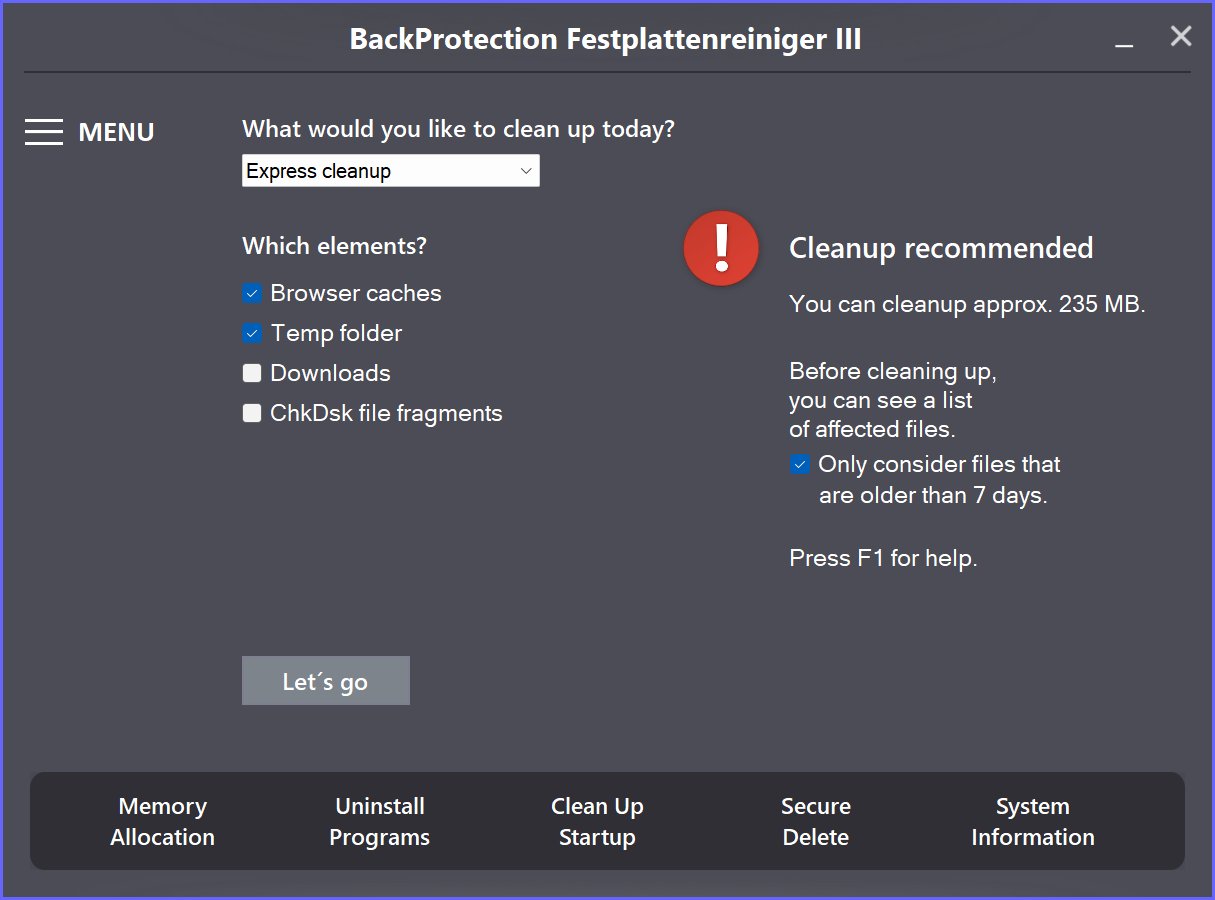
Over time, many files will accumulate on your PC that are no longer required. Overflowing browser caches, temporary files and long-term downloads not only take up valuable storage space, they can also slow down your system. Applications that run automatically when Windows starts also slow down the system and occupy memory.
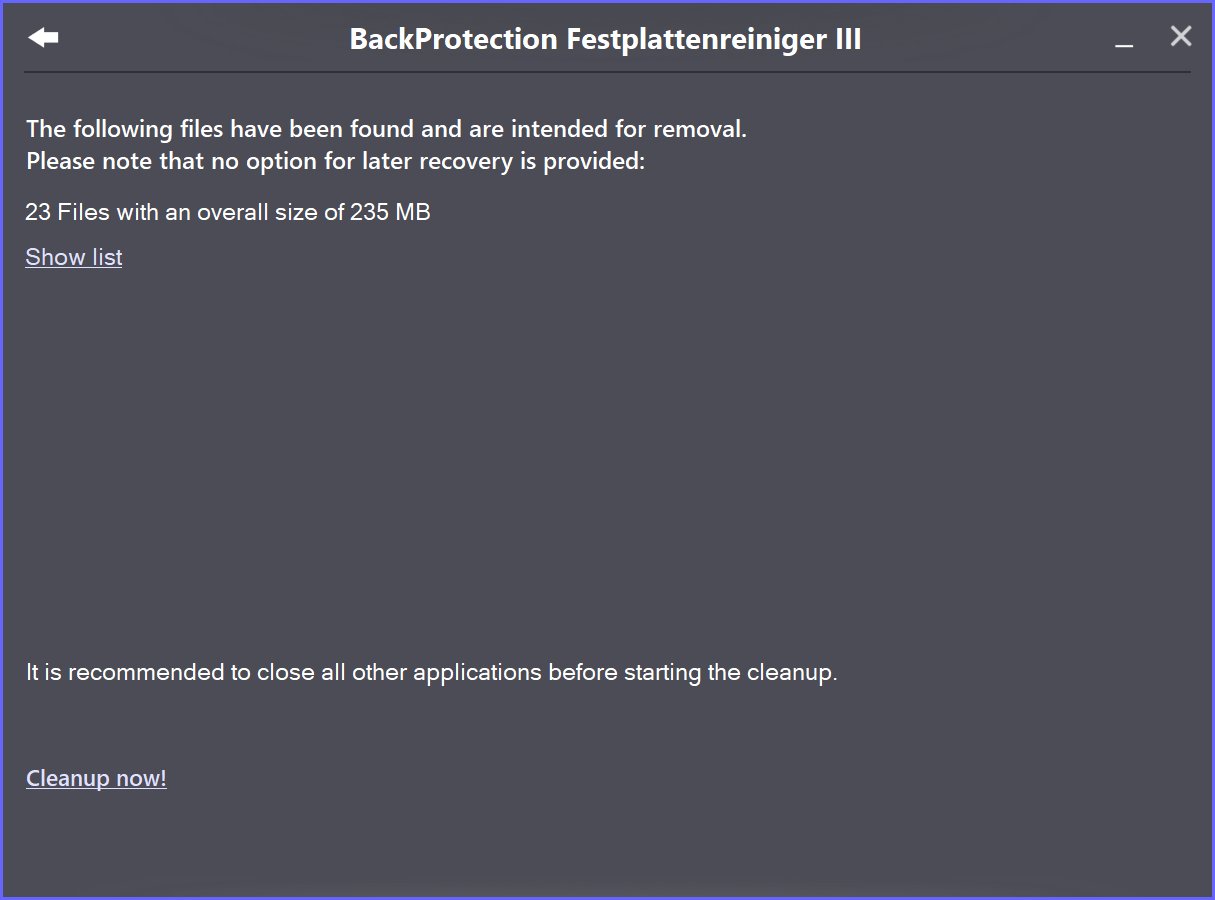
With BackProtection Festplattenreiniger III, you can delete temporary files in just a few steps: When the program starts, it determines which files are suitable for cleaning and how much storage space can be freed up. Before cleaning the hard drive, you can use a list to check which temporary files are selected for cleaning. Uncheck files you don't want to be cleaned. You can also empty browser caches and your Downloads folder.
With BackProtection Festplattenreiniger III you can clean your hard drive even without an unlock code. This function is a standard feature of our hard drive cleaner. An unlock code grants you access to additional useful functions that help you clean up and speed up your PC.
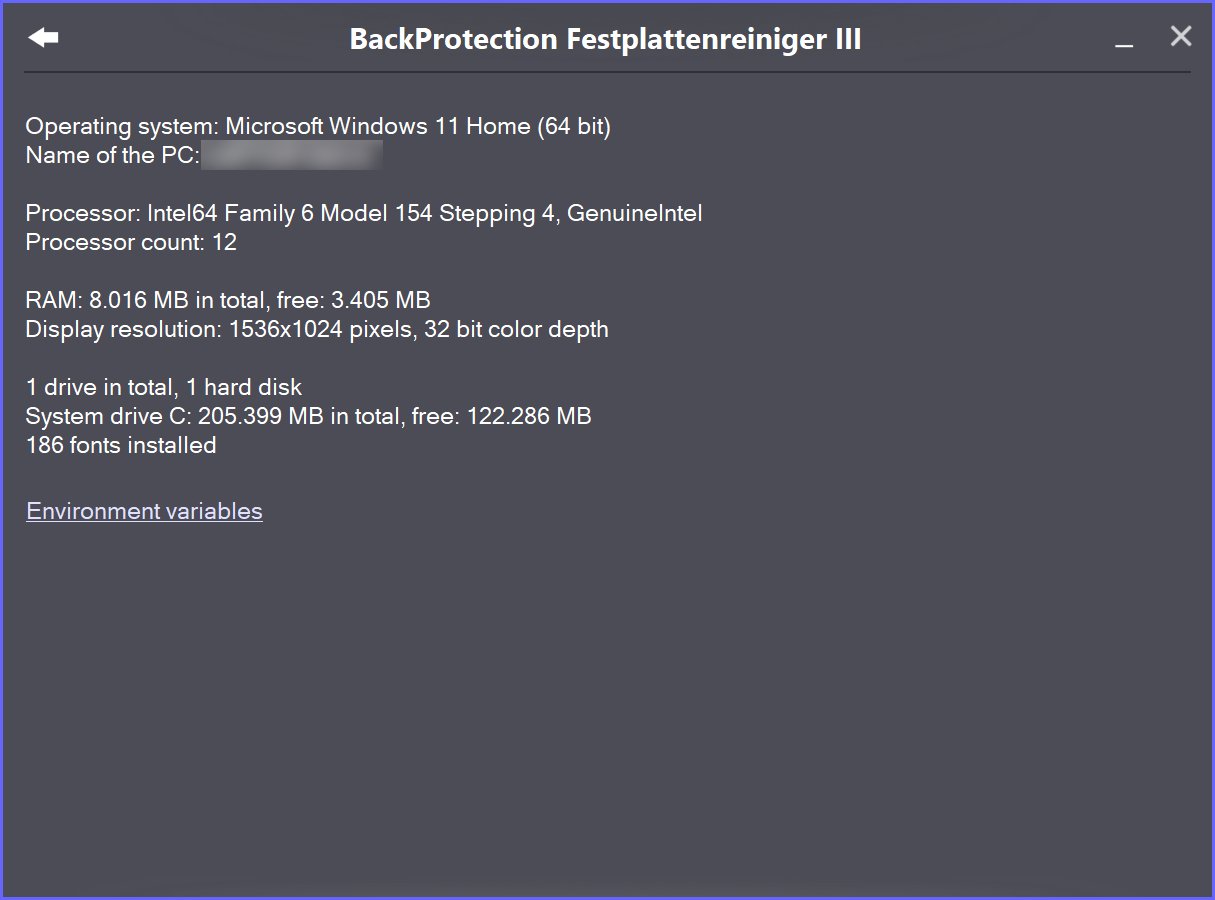
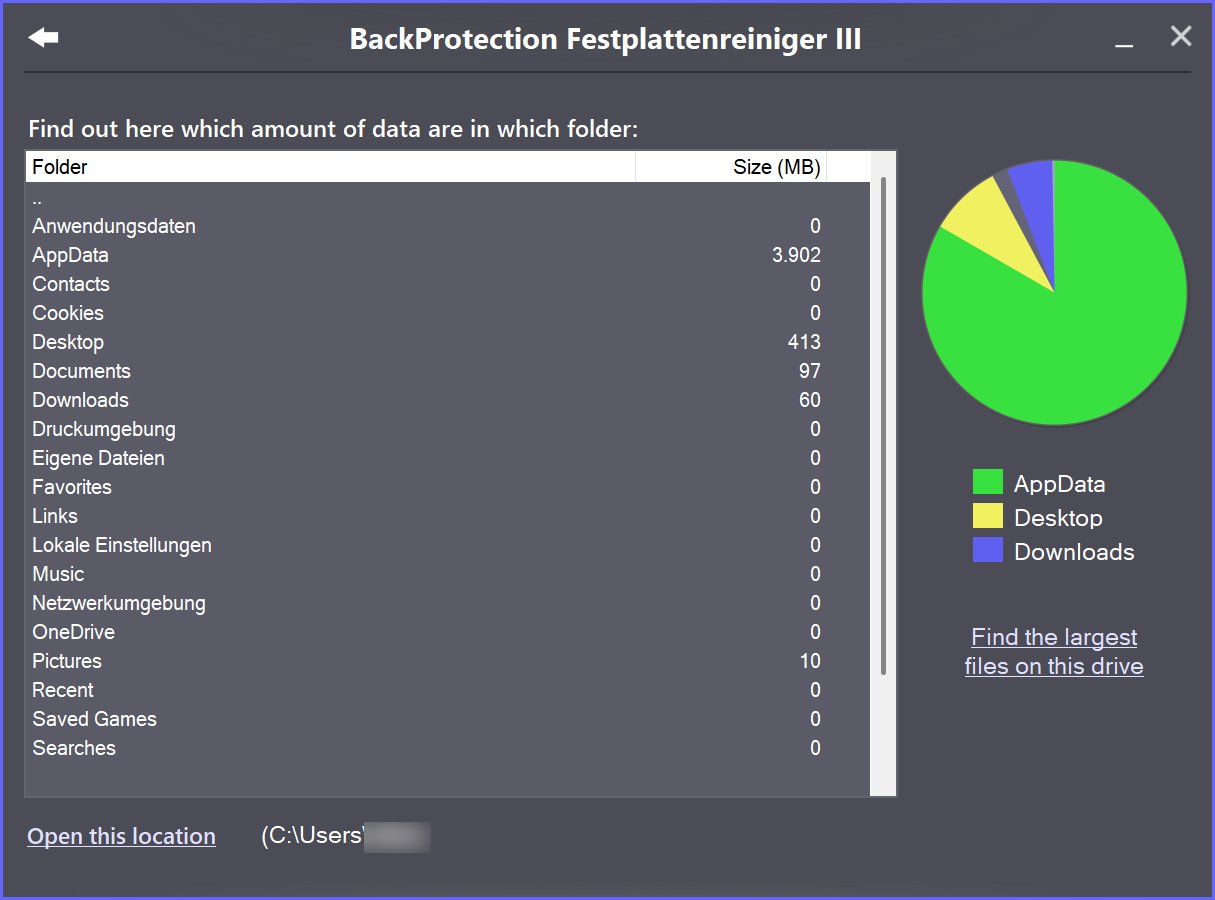
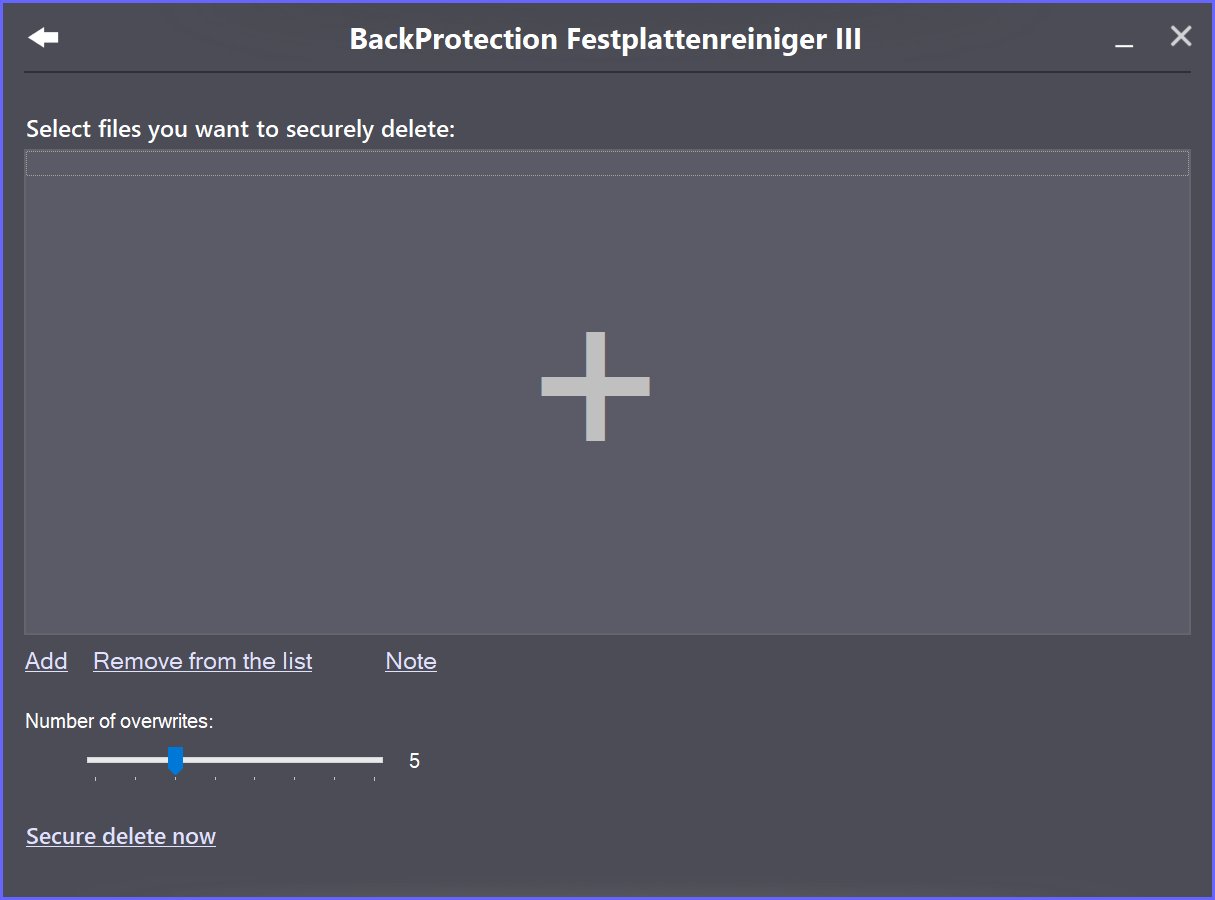
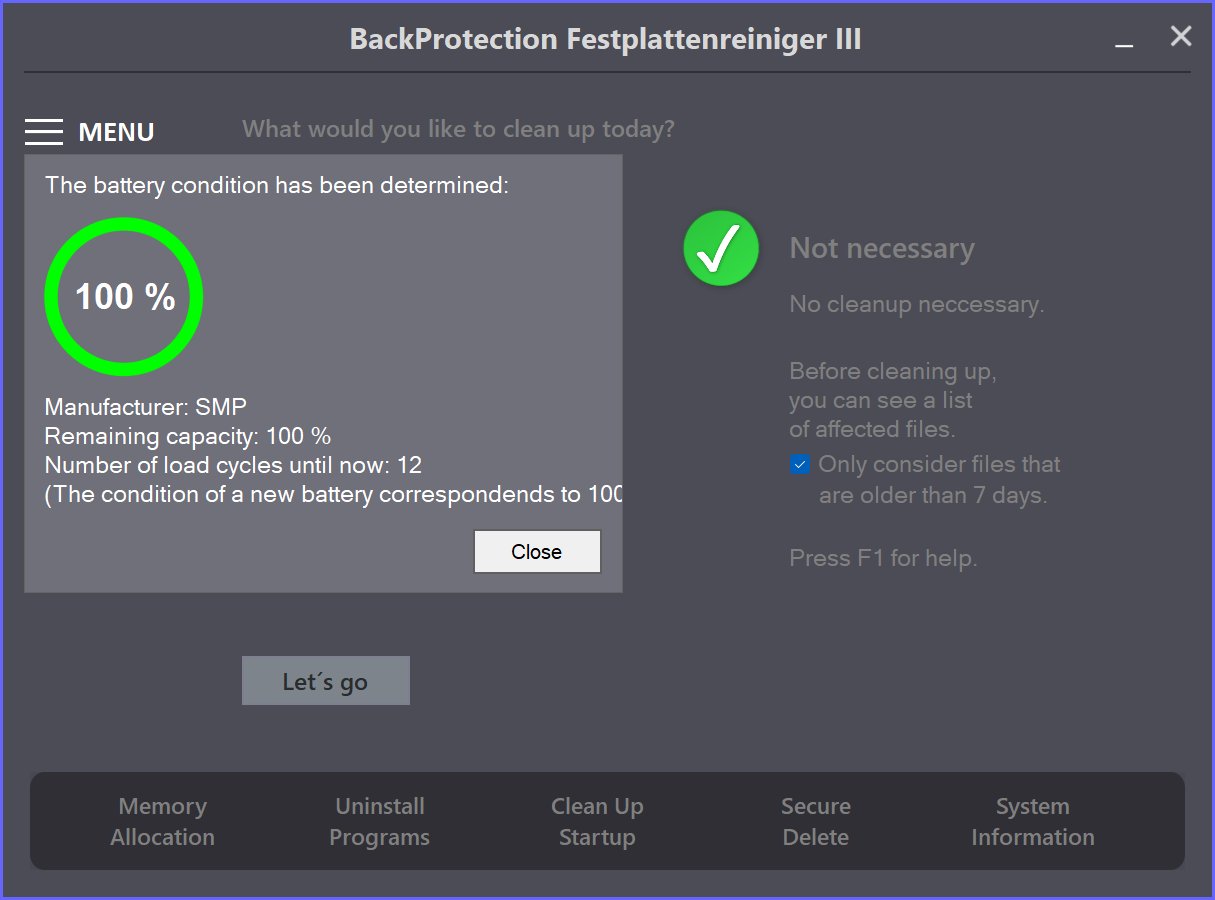
HINTS:
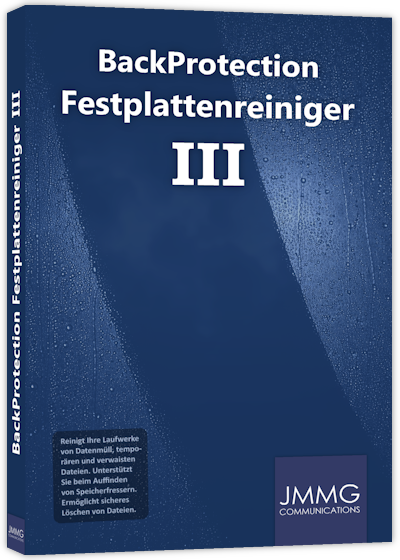
* The illustration is for illustration only.
** Can be used without an unlock code. The following elements are supported:
Files with the extensions *. $$$, * .bak, * .log, * .log1, * .log2, * .old and * .tmp, Microsoft Edge Cache, Firefox Cache, Chrome Cache, Chrome GPU Cache, Opera Cache, Downloads folder, Temp folder, ChkDsk file fragments.
YOUR SECURITY IS IMPORTANT TO US
Buy our products from reputable vendors.
DigiStore24 accepts the following payment methods:
PayPal, SEPA, credit card Klarna and bank transfer
The Microsoft Store accepts the following payment methods:
PayPal, SEPA, credit card, payment via your telephone provider and Xbox prepaid cards
On Google Play the following payment methods are accepted:
PayPal, credit card, Klarna, PaysafeCard and Google Play prepaid cards
Note: The available payment methods may vary.
Our downloads are virus-checked.


