"Write-a-Document" for Windows can be purchased as a one-time purchase. Your unlock code is valid for the current version series. We do not offer a one-time payment option for the web-based version, as it is a hosted software solution.
[ – ]
You will find your Premium Access code in your order confirmation email. Copy it to your clipboard or write it down.
How to use Premium Access in a web browser:
1. Open the login page. Enter or paste your Premium Access code. Then, click "Log In":
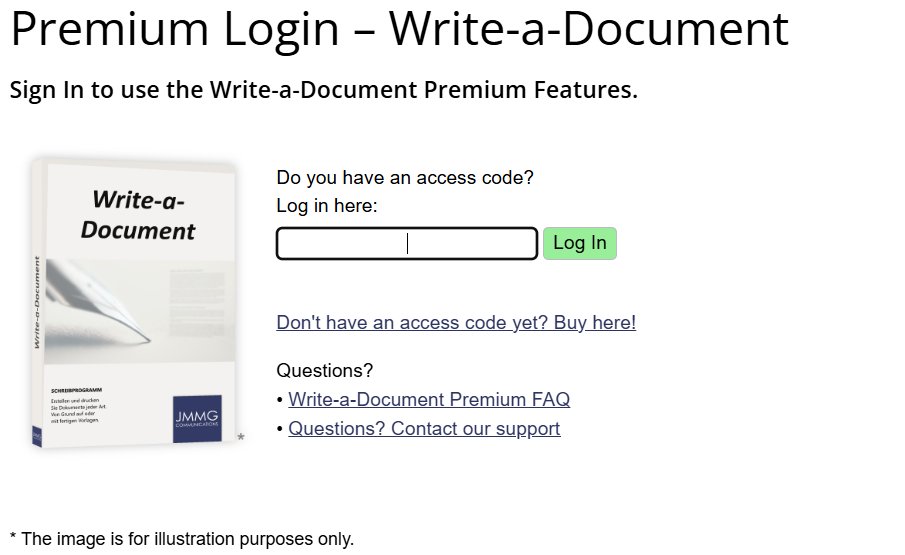
2. After logging in, you will enter the Premium Area.
All Premium features are now available to you.
Click an icon to launch "Write-a-Document" or one of the other applications:
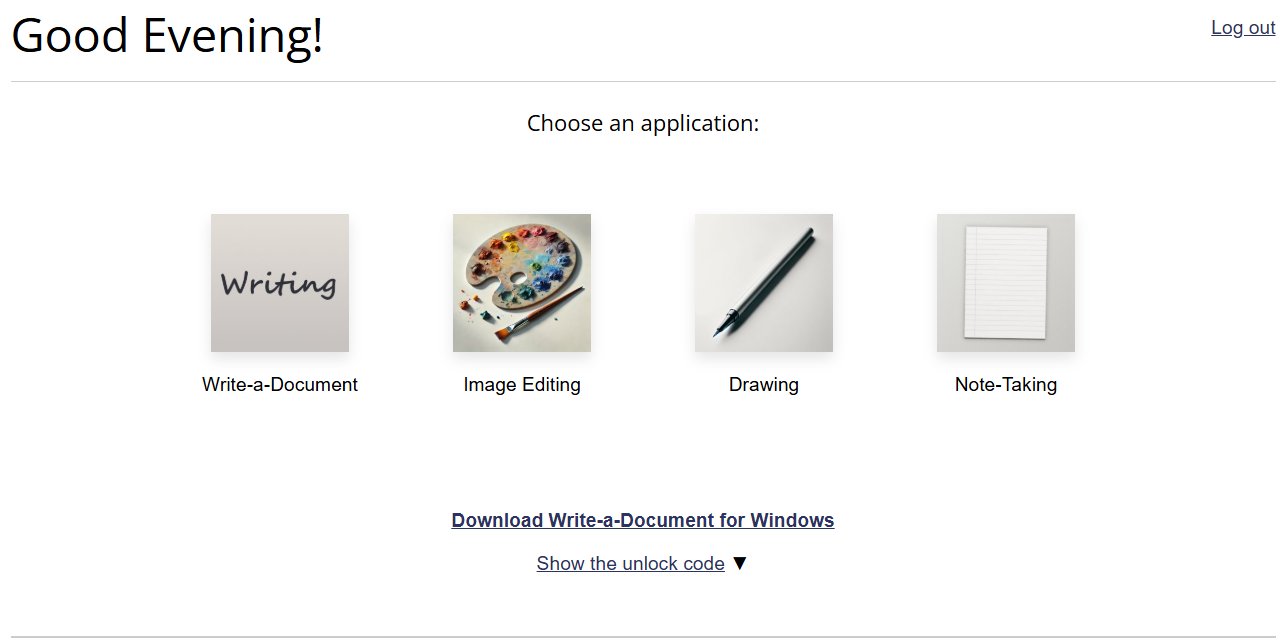
For security reasons, you will be automatically logged out after 14 days. Then simply log in again.
How to use Premium Access in "Write-a-Document for Windows":
1. Install "Write-a-Document" on your PC. Click here.
2. Launch the application using the program icon:
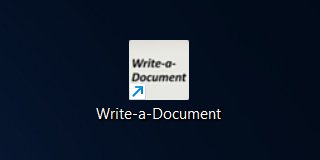
3. Once the initial setup is complete, you will see a bar at the bottom. Click on "Enter Access Code":

4. A window will open. Enter your Premium Access Code here and click "OK":
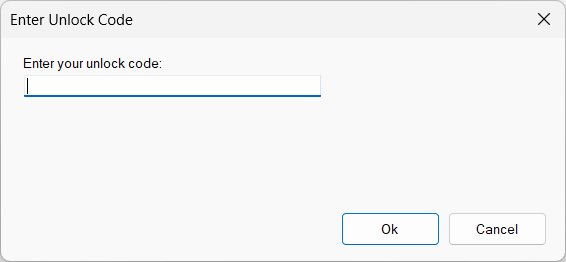
You can now use all Premium features.
[ – ]


