Overview | Product Tour
➤ With Write-a-Document you can create and edit documents of all kinds. From letters, essays, reviews, curriculum vitae, term papers to to-do lists or invitations. The writing program is both suitable for simple and professional documents. Try it yourself!
➤ Create form letters that are addressed to multiple recipients. Just create the letter, add an address field and link it to your recipients' address list. You can also print on envelopes. Print addresses on envelopes and inserts in a variety of popular formats.
➤ Careless mistakes, double spaces and misspellings are often overlooked during proofreading texts. Write-a-Document includes features that can fix things like this in a few seconds.
➤ With Write-a-Document you can open and process Word documents, OpenDocument documents and Markdown files.* So you are compatible with a large number of documents.
➤ With Write-a-Document you can create a PDF file from a document in just a few steps.
➤ If your document extends slightly onto the second page, Write-a-Document automatically adjusts the margins in an attempt to print it on a single page. You can also print a document with low opacity as a toner-saving draft.
➤ In the event of a power failure or an empty notebook battery, the work of the past hour is easily lost. To prevent this from happening, Write-a-Document regularly creates a backup copy of the current document. Just in case, you can pick up where you left off.
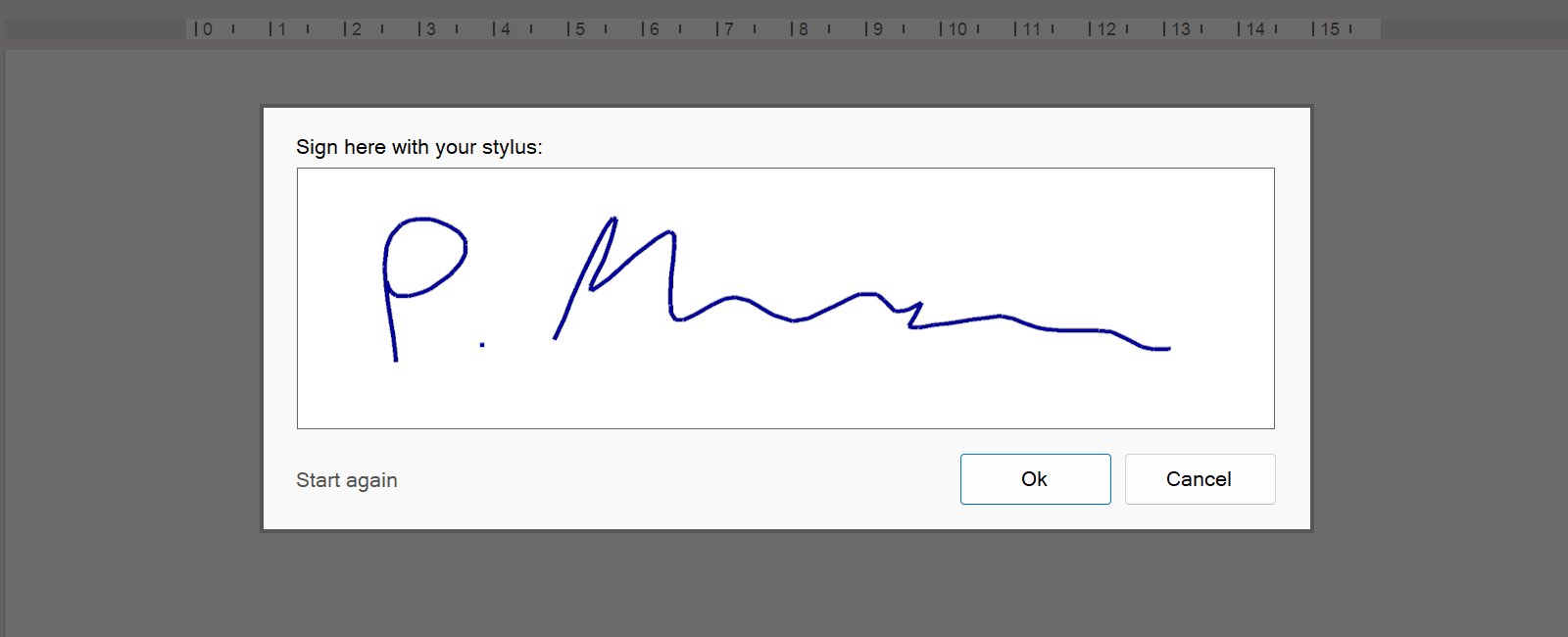
➤ Make an impression and sign your documents with a stylus or mouse.
➤ Include the current date in your letters and other documents. You can specify that the date is updated automatically when the letter or document is printed out.
This is particularly practical for your own stationery, which you can store as your own document template!
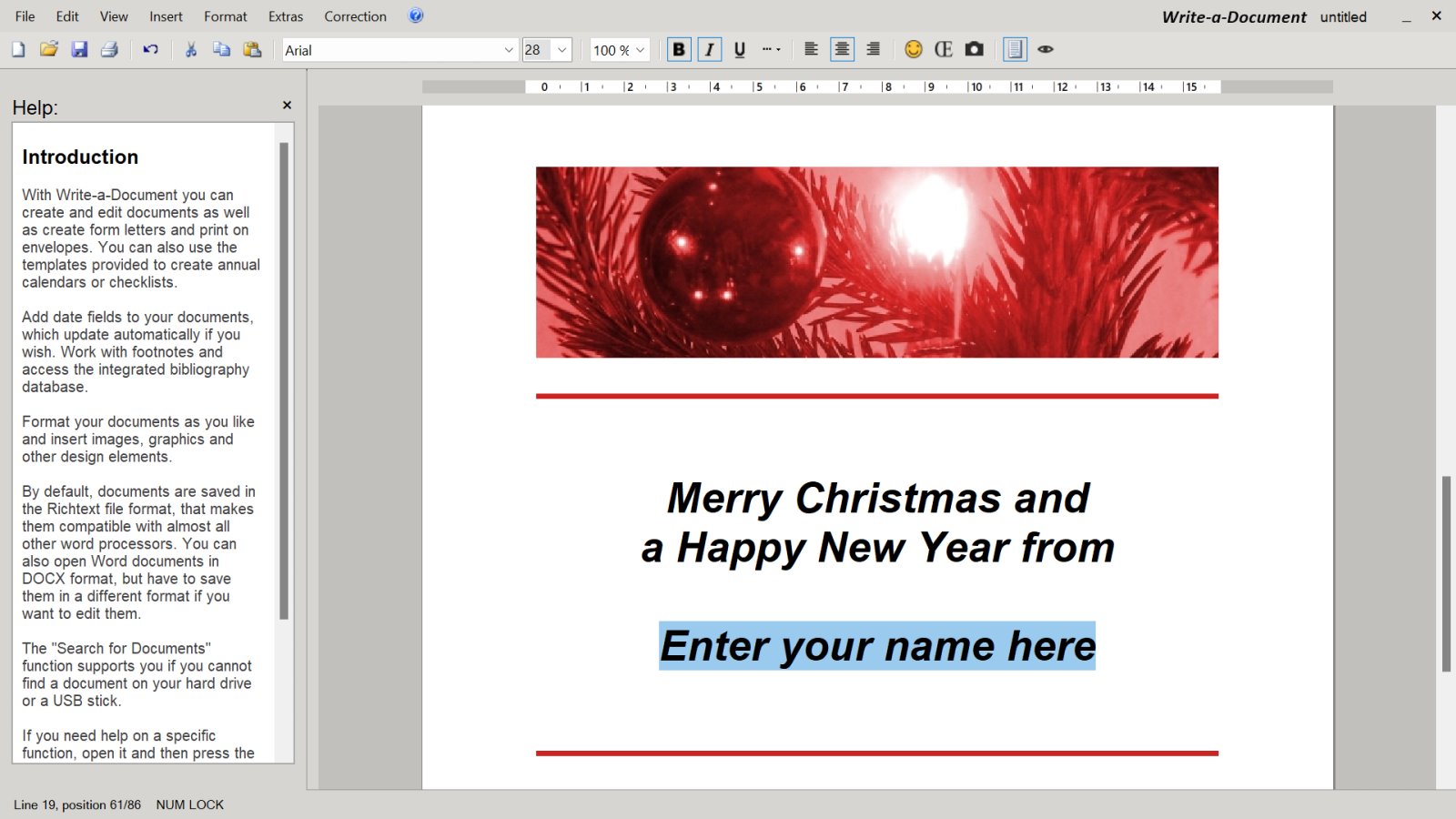
➤ You can make your documents particularly appealing by inserting shapes, diagrams, screenshots and any other images. Write-a-Document supports many common image formats. You can even insert other documents and thereby merge multiple documents.
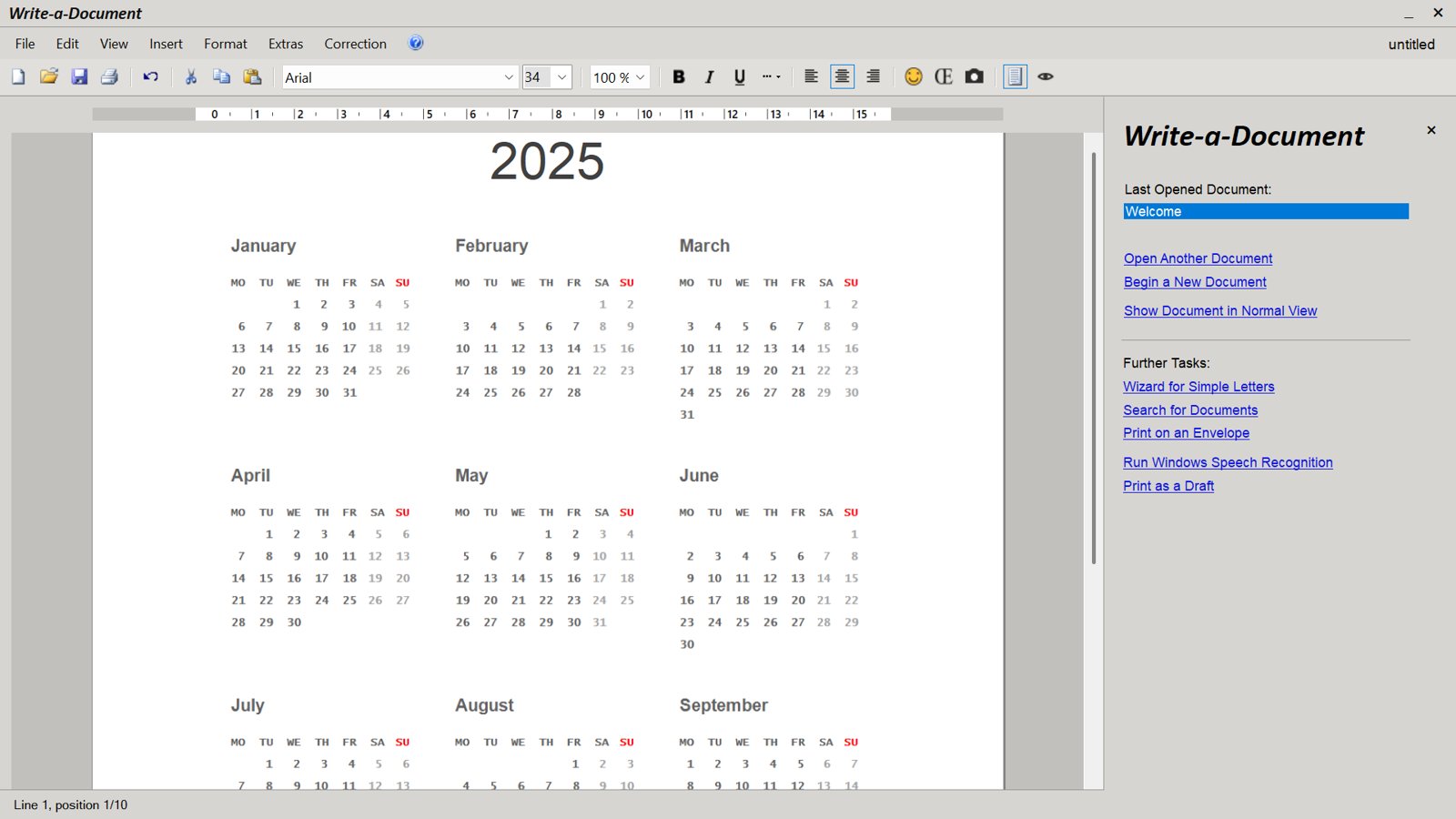
➤ Write-a-Document contains useful document templates "out-of-the-box". Create annual calendars, lists with checkmarks that can be switched on and off, letters and more at the push of a button!
What does Word Processing mean?
Create a Document
What is Justification?
Create a CV
Create a Timetable
Create a To-Do List
Vacation Checklist
Online Word Processor
YOUR SECURITY IS IMPORTANT TO US
Buy our products from reputable vendors.
DigiStore24 accepts the following payment methods:
PayPal, SEPA, credit card Klarna and bank transfer
The Microsoft Store accepts the following payment methods:
PayPal, SEPA, credit card, payment via your telephone provider and Xbox prepaid cards
On Google Play the following payment methods are accepted:
PayPal, credit card, Klarna, PaysafeCard and Google Play prepaid cards
Note: The available payment methods may vary.
Our downloads are virus-checked.


